



Description
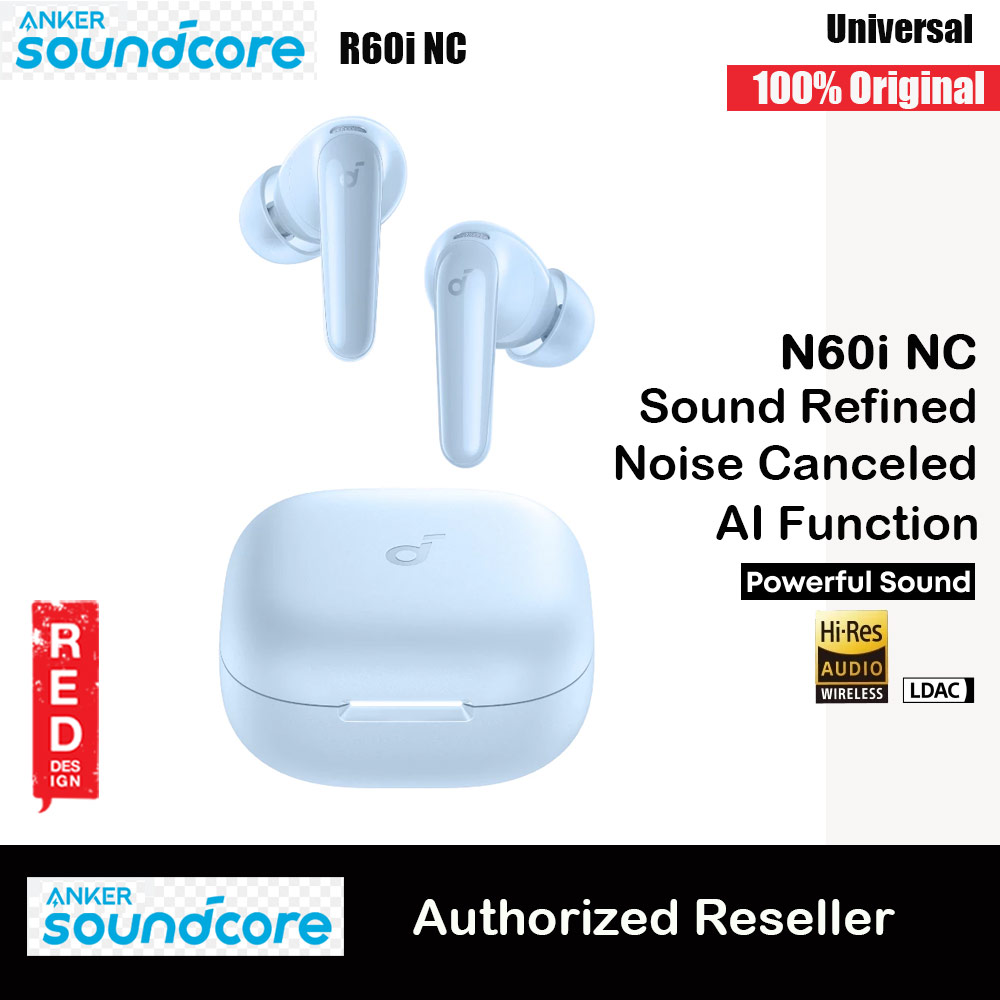
- Authorized Anker Sound Core Reseller – Red Design
- 100% Local Stock · Ships from Malaysia · Fast Delivery
- 100% Authentic with Local Warranty
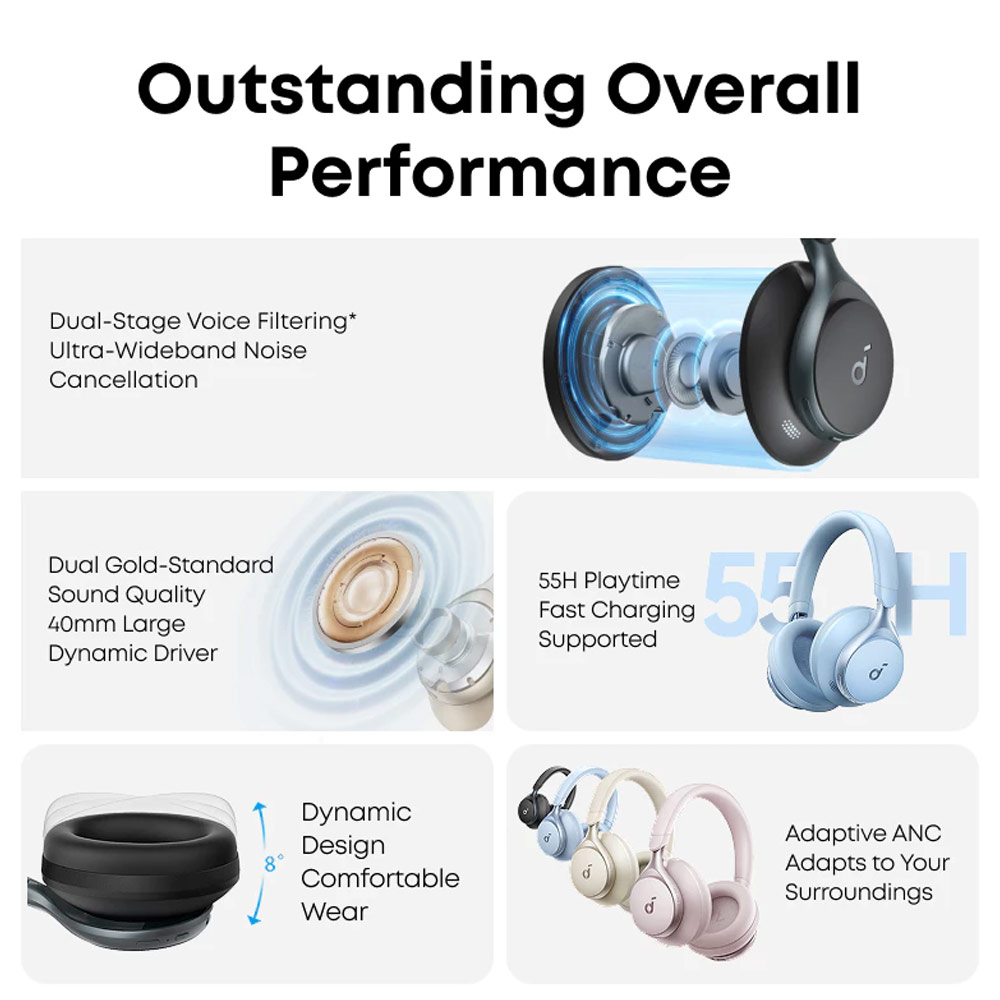
- 2X* stronger voice reduction *Compared with soundcore Life Q30 headphones
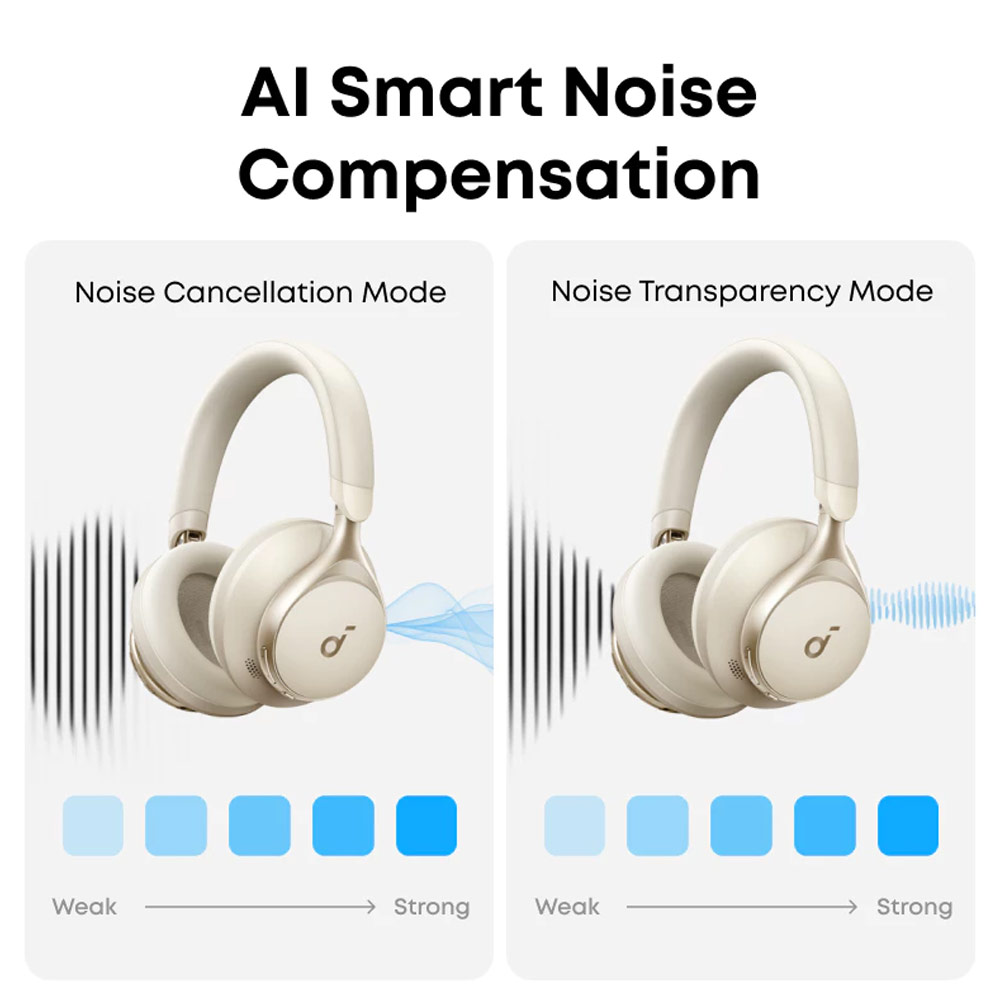
- Reduce noise by up to 98%* with adaptive noise cancelling *Tested by soundcore under laboratory conditions
- Crisp, Hi-Res sound via 40mm dynamic drivers
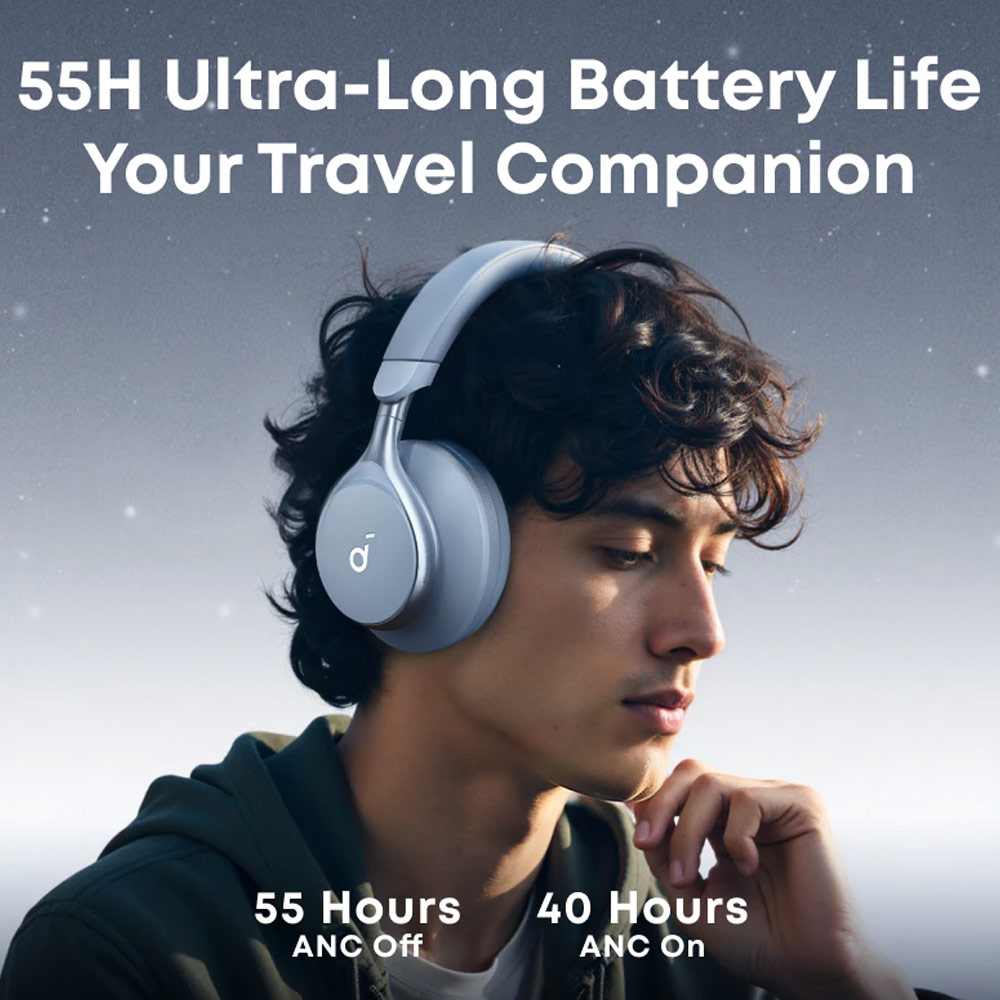
- Worry-free battery (40H ANC on, 55H ANC off)
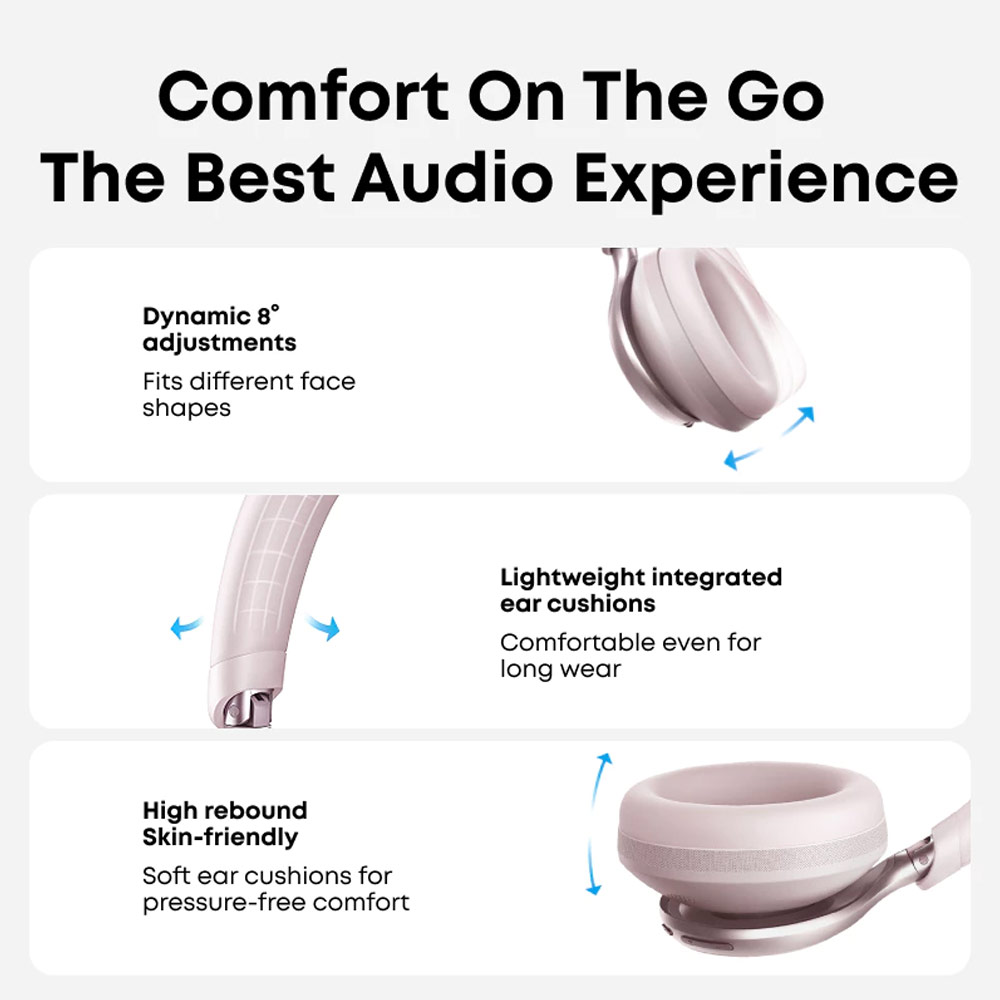
- 8° rotating ear cups and soft integrated headband for all-day comfort
- 5 levels of adjustable transparency to tune your world
- How to Switch Ambient Sound Modes
- 1. Space One automatically sets the default ANC and Transparency levels are both set to 5. These levels can be adjusted through the soundcore app according to personal preference. 2. Pressing the NC button once will switch between noise canceling and transparency modes by default. You can add “normal mode” through the soundcore app, after this, you can press the NC button to cycle through noise canceling, transparency, and normal modes.
- How to Reset
- To reset the Space One back to factory settings, turn on the headphones and then press and hold the power button and volume up button for 5 seconds. The power indicator light will flash slowly three times in red, indicating that the headphones have been reset to factory settings successfully. Note: After restoring to factory settings, all function switches will be restored to their default settings. For example, after restoring to factory settings, the wear detection function will be restored to the default closed state. Please reset the function switches according to personal usage habits.
- How to Switch to BassUp Mode
- 1. The “Controls” section of the soundcore app allows you to set the double-tap NC button to activate the BassUp feature. After setting, you can experience the BassUp effect by double-tapping the NC button. 2. You can also select the Bass Booster EQ in the soundcore app to experience the BassUp effect.
- How to Enable the Wear Detection Function
- The automatic play/pause feature (Wearing Detection) is turned off by default. Please remove the dustproof sticker on the sensor detection hole inside the left earpads. Enable the “Wearing Detection” in the upper right corner of the soundcore app to activate the Wearing Detection feature.
- Wearing Calibration Related
- 1. If the Wearing Detection function is not sensitive enough, you can use the wearing calibration feature to improve the sensitivity of the wearing detection. 2. Calibration method: You can perform wearing calibration in the “Wearing Detection” section of the soundcore app’s settings menu by following the prompts to restore detection sensitivity. To avoid calibration failure, please pay close attention to the place/wearing guide provided in the souncore app.